
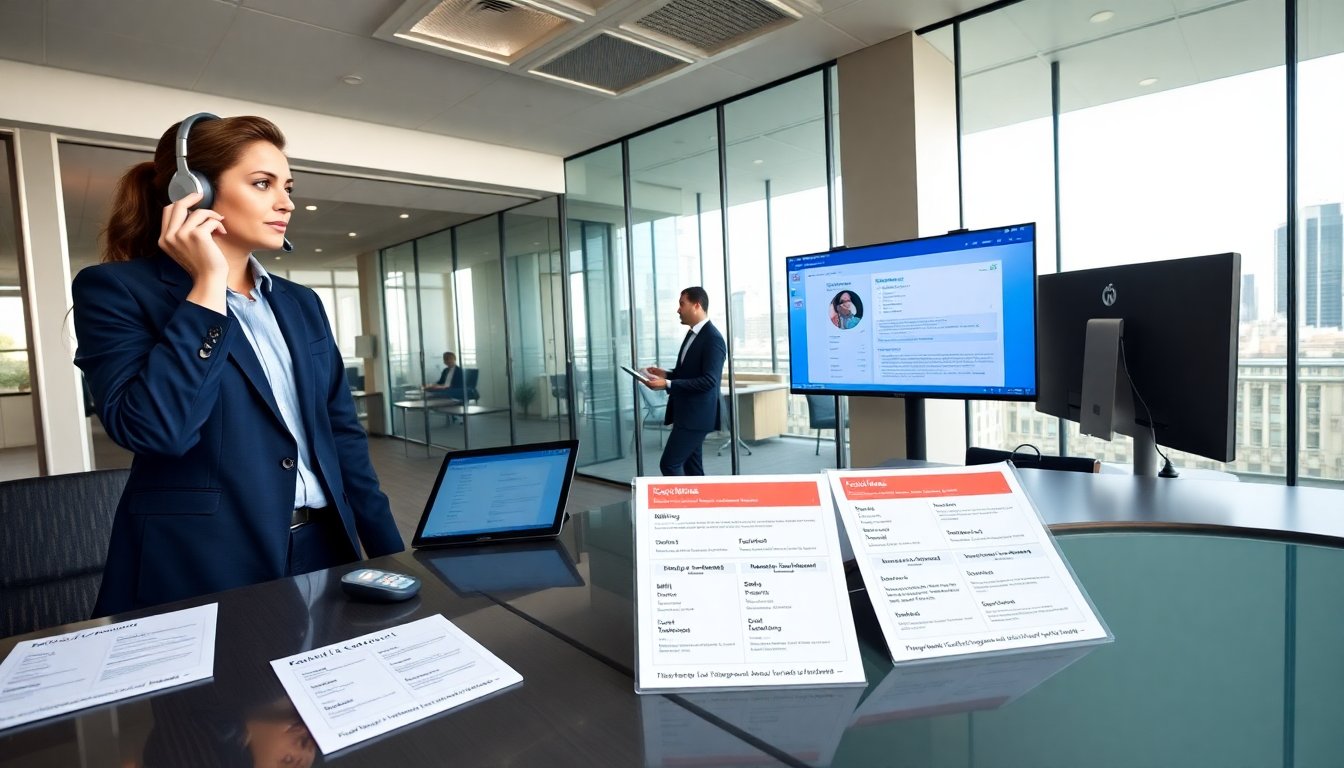
aggreg8net contact options appear on the company site and in account portals. The guide lists phone, email, chat, and self-service steps. It explains when to use each channel and what details to prepare. It helps users reach answers faster and reduce hold time.
Key Takeaways
- aggreg8net contact options include phone, email, live chat, and a support portal to address different customer needs effectively.
- Use phone or live chat for immediate technical issues and outages, while billing and sales inquiries are best handled via dedicated email addresses and forms.
- Prepare your account ID, company name, and relevant error details before contacting support to speed up issue resolution.
- The support portal offers self-service tools for routine tasks like resetting credentials and downloading invoices without waiting for agents.
- aggreg8net contact procedures feature clear escalation paths and response times, with critical issues receiving hourly updates until resolved.
- Always reference your ticket number and provide new information in follow-ups to ensure timely and efficient support.
Contact Options At A Glance
aggreg8net contact sits in four main channels. Customers may call, email, use live chat, or open a support ticket in the portal. The company also keeps a help center with articles and video guides. For quick billing questions, email often works. For immediate outages, phone or live chat usually gets faster attention. For account changes, the portal provides secure forms. For partnerships and sales, a dedicated sales form exists. Each channel lists expected response times and required account identifiers.
Phone Numbers, Business Hours, And What To Expect On Call
Customers find the primary phone line on the contact page. They may call to report outages, confirm billing, or request urgent changes. The phone team works during posted business hours and during limited after-hours for emergencies. When callers connect, the agent asks for account ID, company name, and a brief problem summary. Agents log the call and open a ticket when needed. Expect initial verification to take a few minutes. If the agent needs specialist help, they escalate and share an estimated callback time. Phone callers receive a ticket number for follow up.
Live Chat, Support Portal, And Self-Service Resources
Live chat appears on the support page during staffed hours. Chat agents handle quick fixes and route complex issues to the portal. The support portal accepts detailed tickets and attachments. It tracks ticket status and logs agent replies. The knowledge base contains setup steps, error codes, and video walkthroughs. Customers may search the knowledge base before opening a ticket. The portal sends email updates at each status change. For routine tasks, the self-service tools let users reset credentials, download invoices, and update contact info without waiting for an agent.
When To Use Each Channel: Sales, Billing, Technical, And Partnerships
Sales leads should use the sales form or sales email. Sales requests receive dedicated follow up and a region-based rep when available. Billing questions should go to the billing email or the billing phone line. Billing requests require invoice numbers and payment method details. Technical incidents should go to phone or chat when they affect live service. For non-urgent technical work, use the support portal ticket entry. Partnership inquiries should go to the partnerships email or the business development contact form. Each channel routes to specialists who handle that topic.
Email Addresses And Message Templates For Faster Responses
Users find the main support email on the contact page. The company maintains separate addresses for billing, sales, and partnerships. Customers should include account ID, contact name, and a short subject line. A template speeds triage. Example template: “Account ID: [ID]. Issue: [one-line summary]. Impact: [service affected]. Time started: [timestamp]. Attachments: [files].” This template helps the support team assign priority and reduce back-and-forth. For billing, attach the invoice or payment receipt. For sales, include company size and expected start date.
Preparing Account Details And Troubleshooting Info Before Reaching Out
Gather account ID, company name, and user email before contacting support. Note recent configuration changes and timestamps for the first error. Collect screenshots, logs, and exact error messages. Reproduce the issue and record steps that trigger it. That information helps the agent isolate the problem quickly. Users should check the status page for known incidents before calling. If the issue came after an update, note the update time and version. For security reasons, never share full passwords in messages. Use temporary keys when requested.
Escalation Paths, Response Time Expectations, And Follow-Up Best Practices
aggreg8net contact procedures include defined escalation paths. Frontline agents resolve common issues. Agents escalate to tier 2 for configuration and to tier 3 for platform bugs. Response times differ by channel and priority. Phone and chat aim for immediate acknowledgement. Tickets receive initial replies within the published SLA windows. For critical outages, expect hourly updates until resolution. For non-critical tickets, expect a 24- to 72-hour initial response. When following up, reference the ticket number and add new logs as they appear. If a promised callback does not happen, reply to the ticket and mark it as escalated. Keep follow-up messages factual and include fresh evidence to maintain progress.